Contents
12VPX NEO for Android is still in beta. If you experience problems, please use our Floxcore app.
Requirements
- Recent Android 16+ version. We do not support old versions.
Download - stable
The stable app is not available in Google Play. Download the APK directly from this website.
- Android (.apk) v26.10.24.011033
Download - beta
The beta app is not available in Google Play. Download the APK directly from this website.
- Android (.apk) v26.10.24.011033
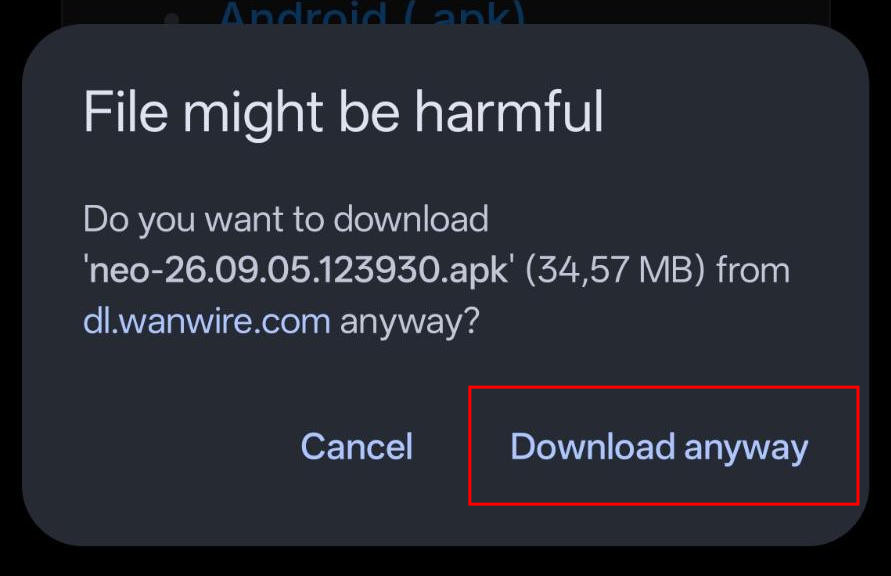
Install
Open the downloaded APK file. Directly from the browser (if it allows it), or from a File Manager (if you have one).
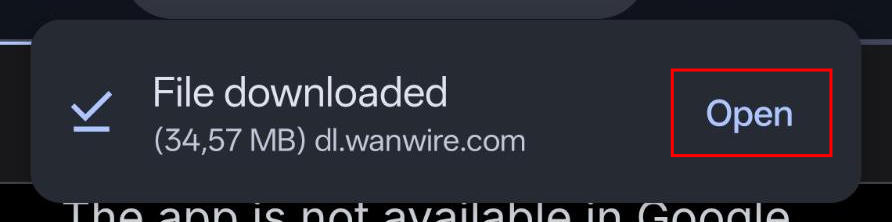
Choose to install the app.
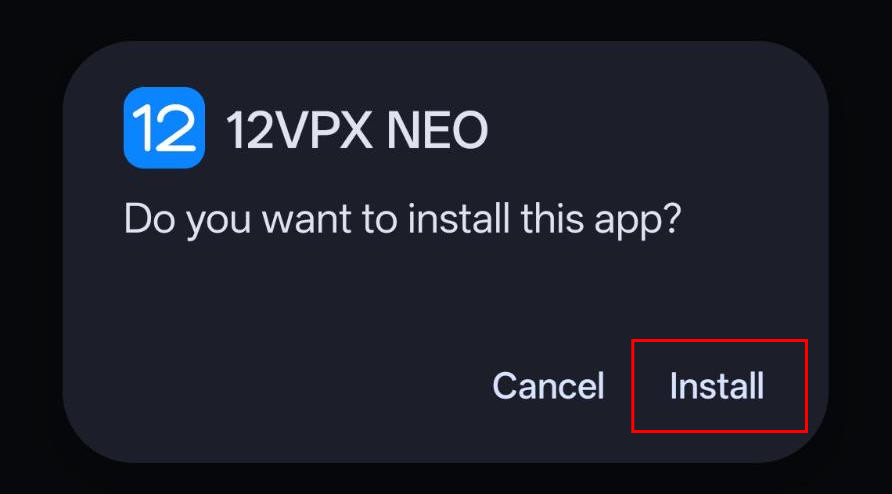
Because you're installing an APK without using the Google Play Store, there may be a warning.
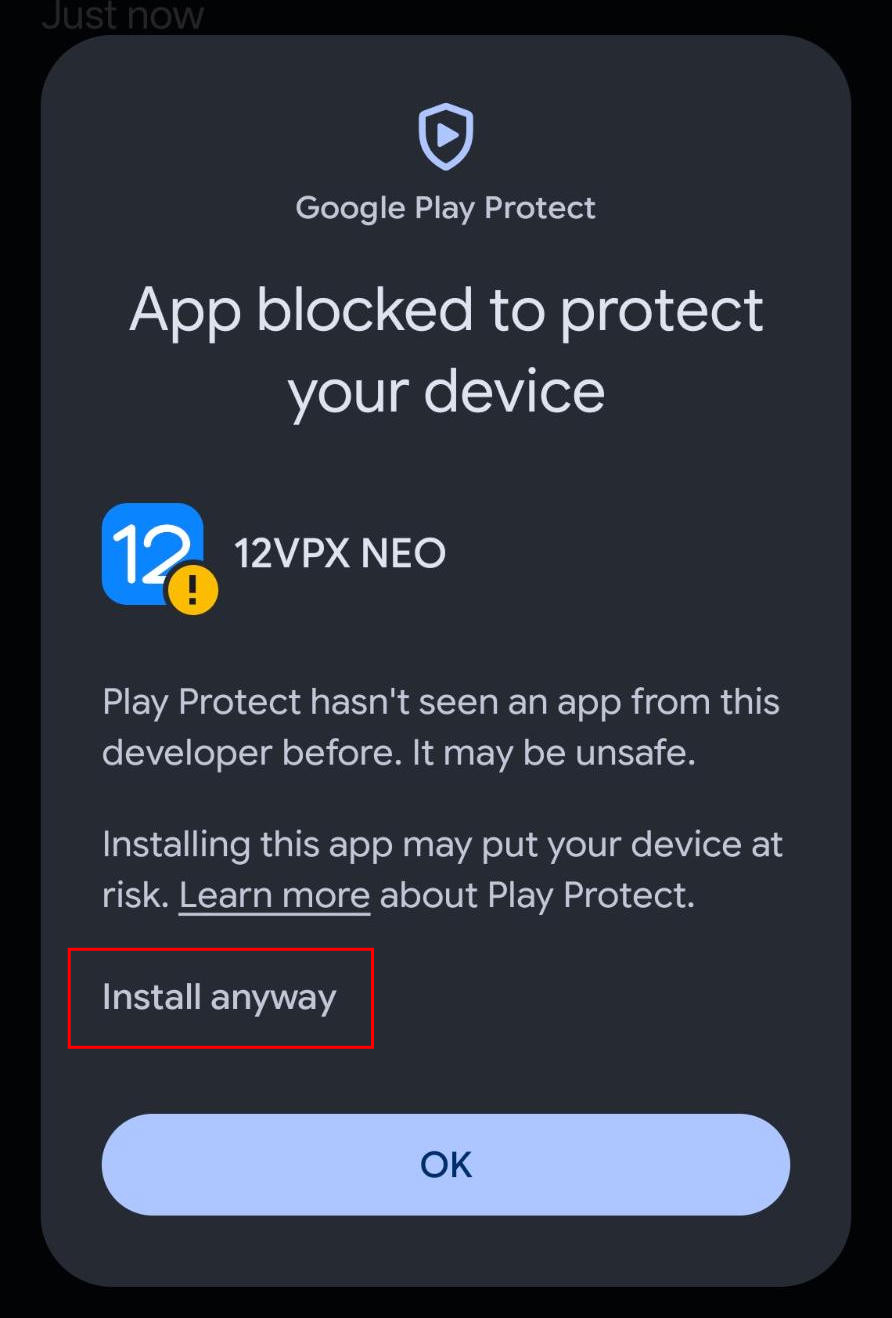
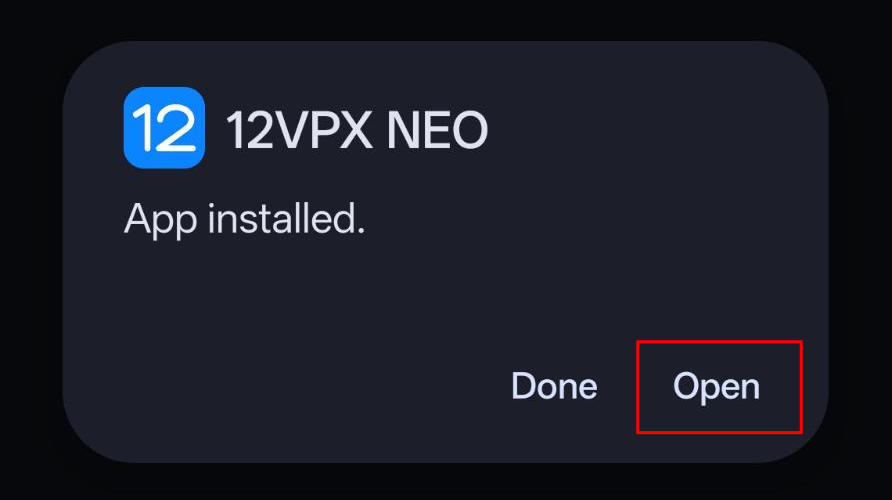
Once installed, you can Open the app.
Setup
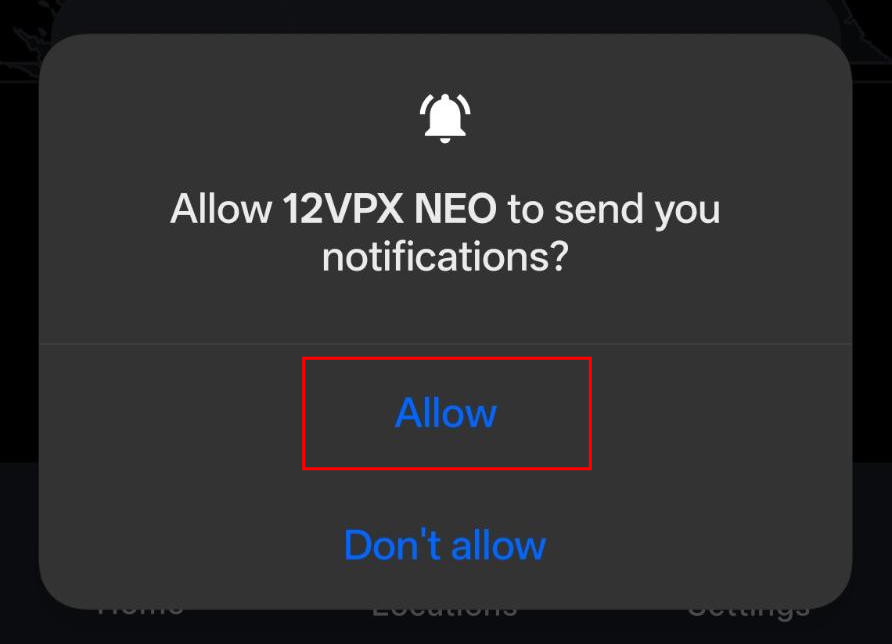
Allow notifications. These are used to keep the VPN running.
Generate a temporary QR Code or Setup Link using the button below.
- QR Code: in the app, go to Settings > Account and choose Scan Setup Code.
- Setup Link: view the page directly on your Android and click the Open in 12VPX NEO button. (Requires original Android browser).
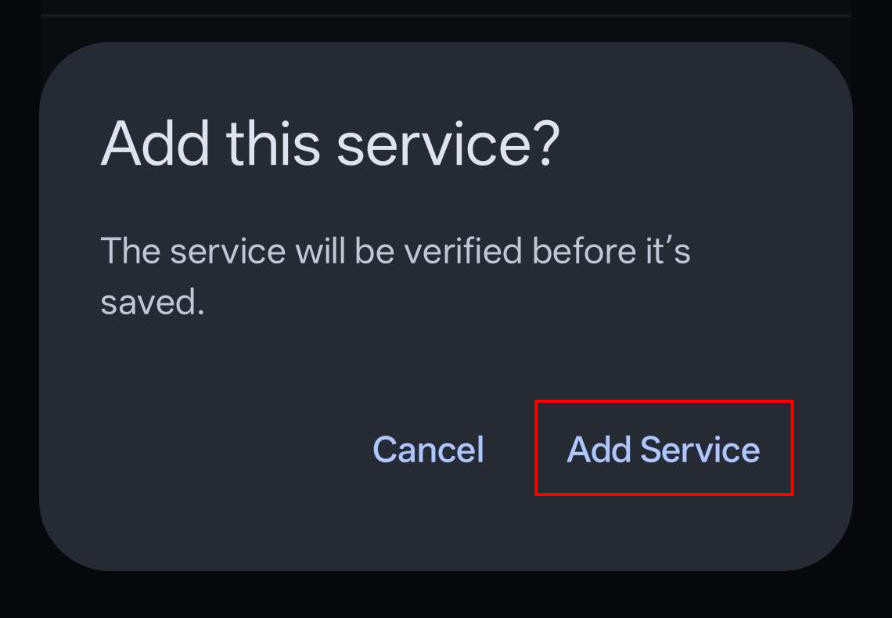
After scanning the QR code or clicking the button, choose to Add the service.
Adding the service may take a few seconds.
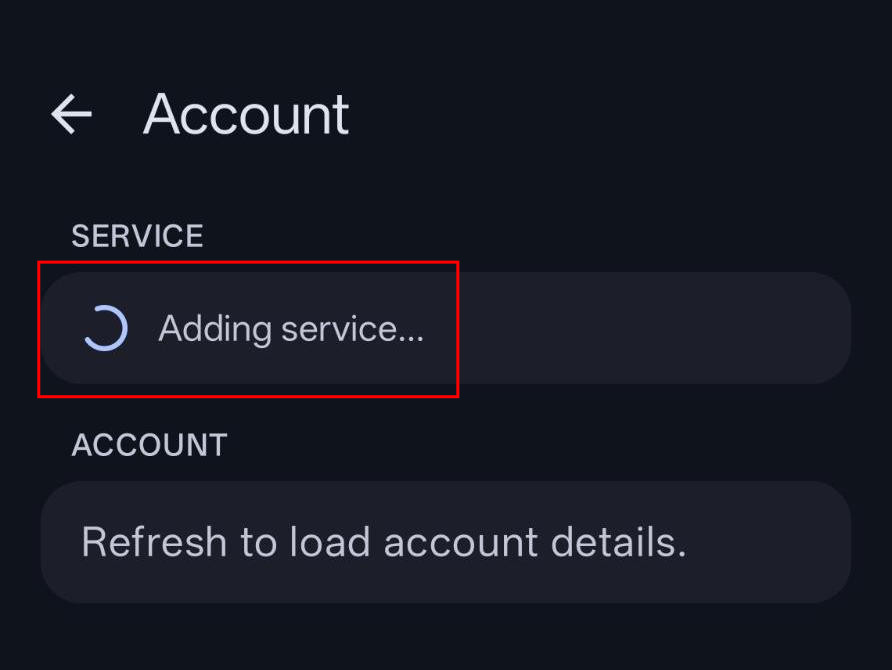
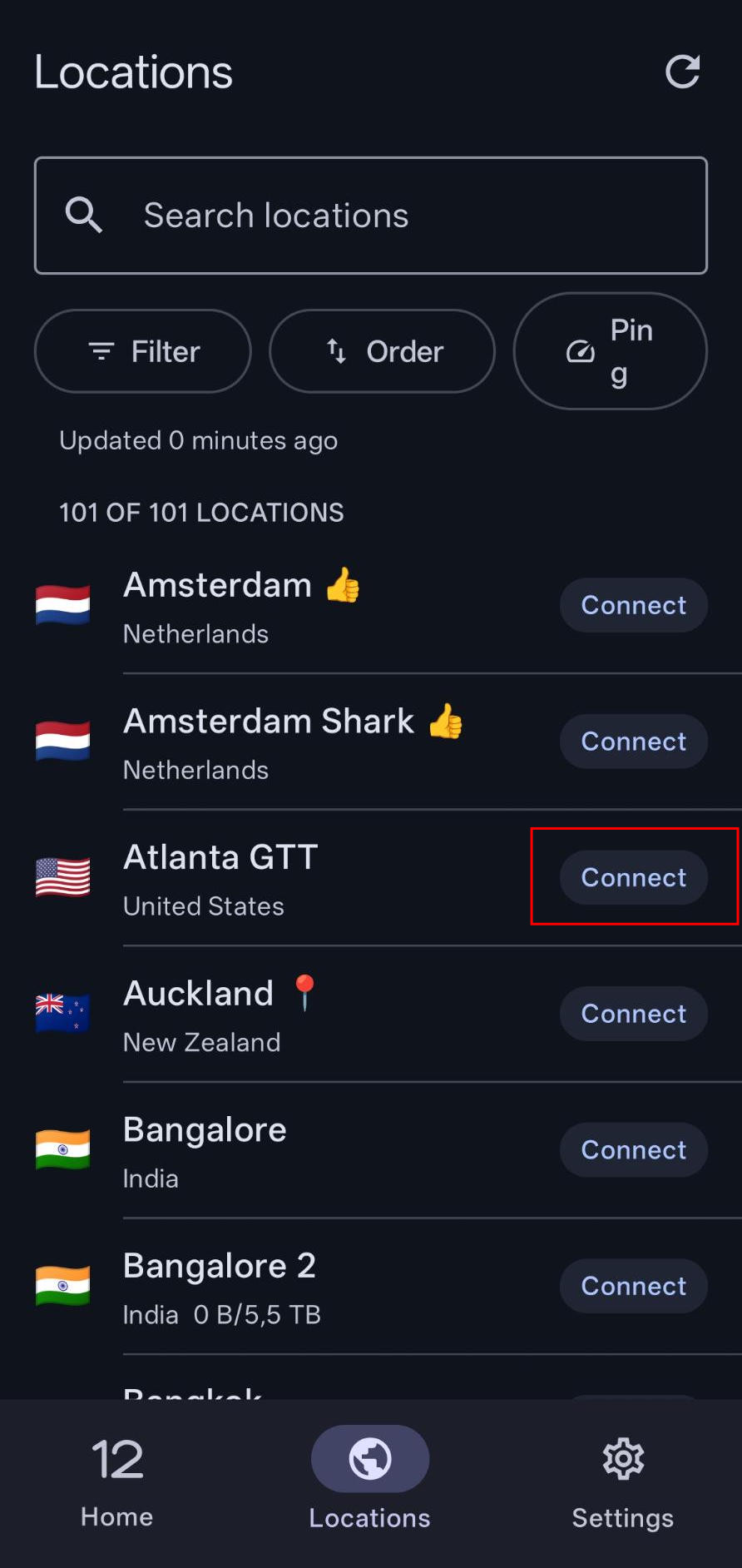
Once successful, it will take you to the server list and allow you to connect.
China
If you're in China, we recommend you go into Settings > Routing and switch the routing mode to Exclude Local China.